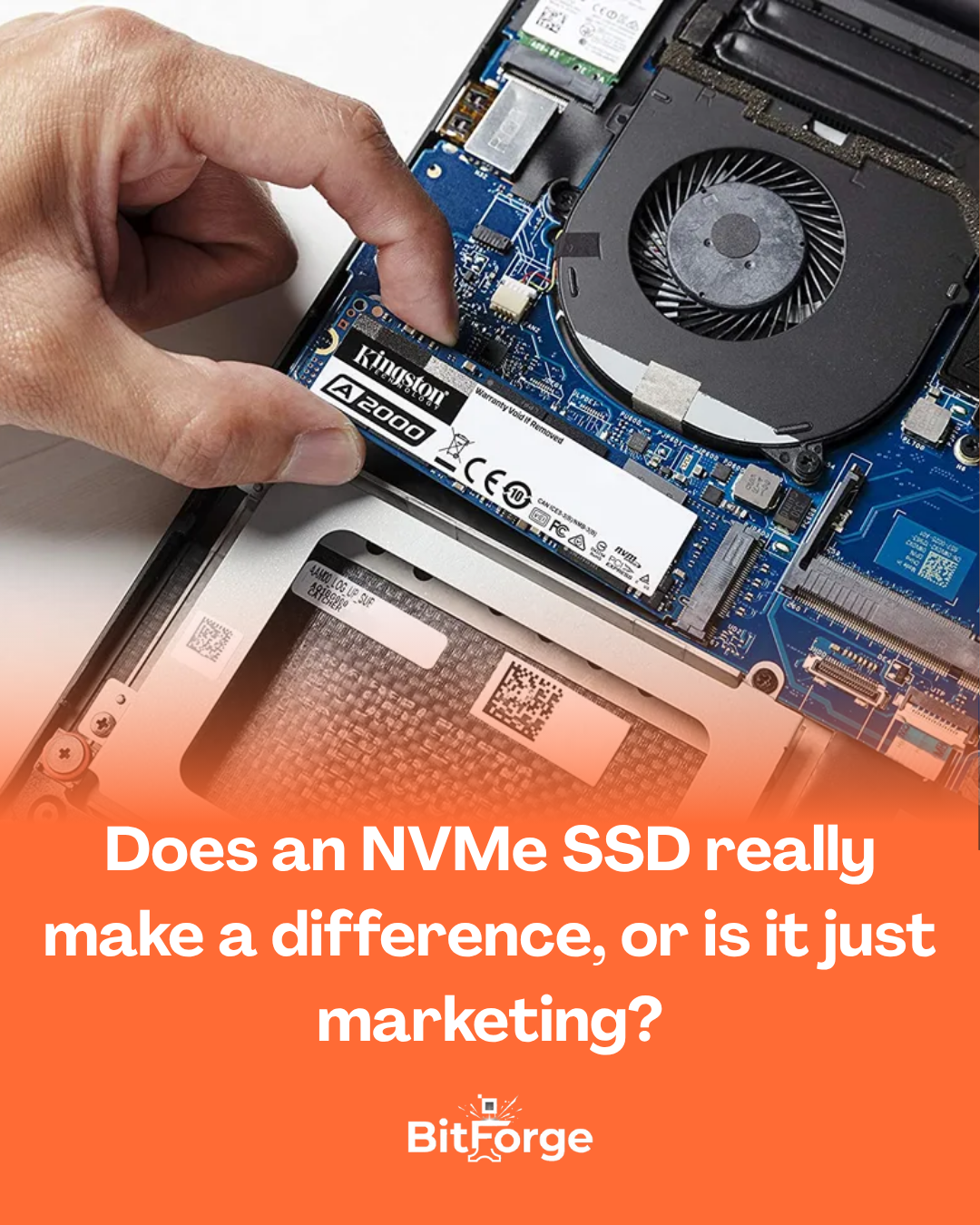

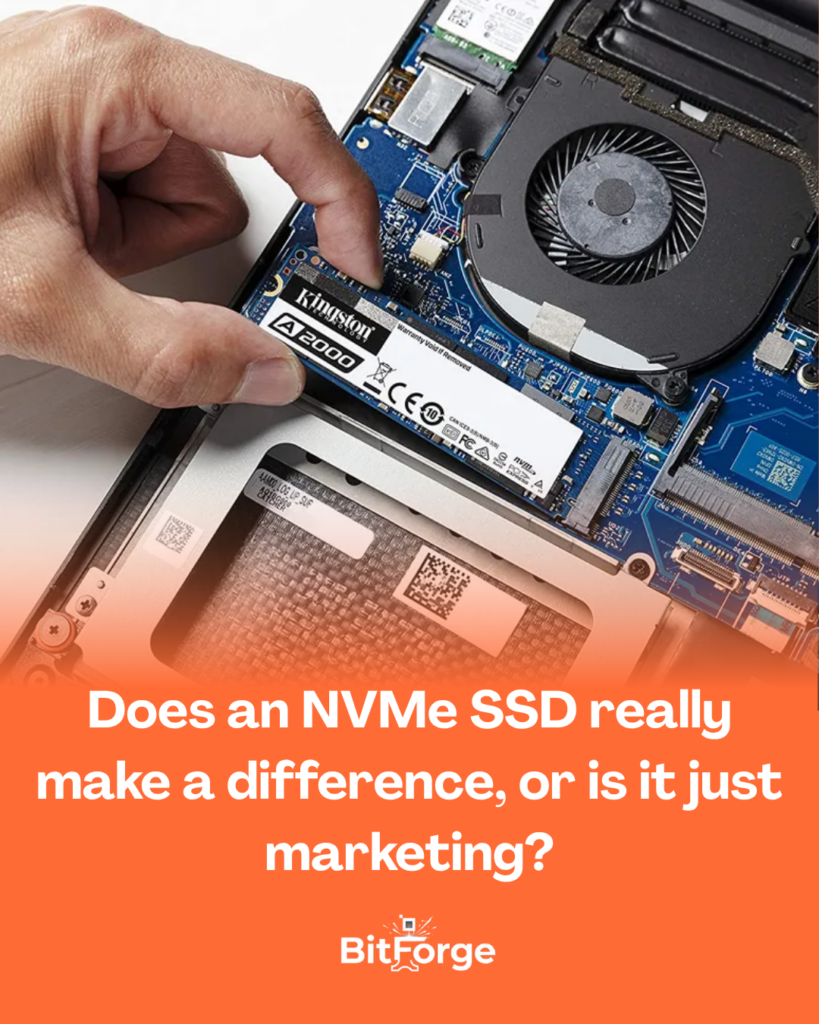
You’ve probably seen people saying that installing an NVMe SSD is like “removing the handbrake from your PC.”
But is it really that dramatic… or just another one of those claims that sound amazing on paper?
The truth sits somewhere in the middle — and that’s exactly what most posts don’t explain properly.
First: what is an NVMe SSD (without the jargon)
Let’s keep it simple.
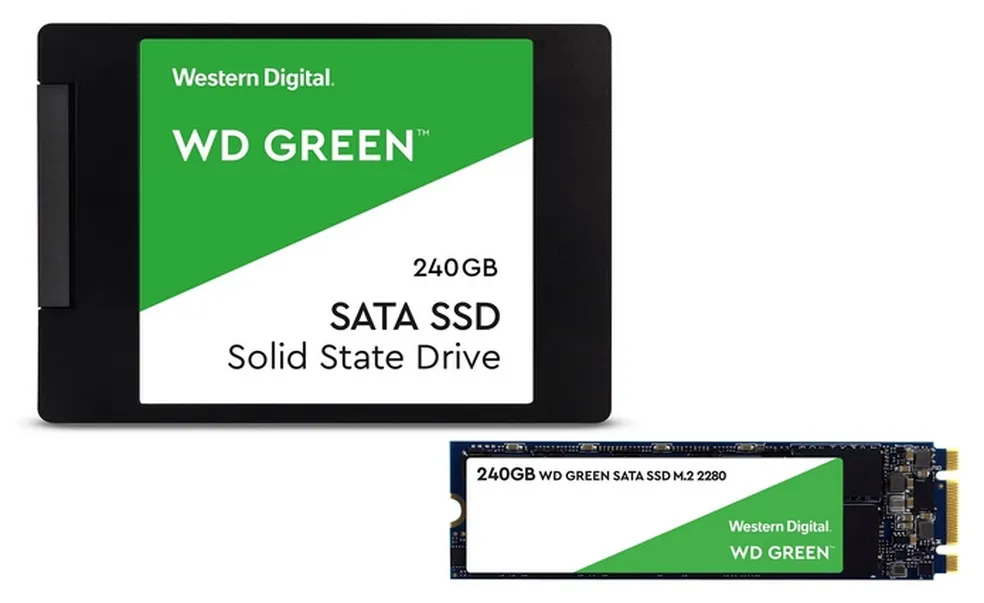
An NVMe SSD is a newer type of storage that connects more directly to your system, using a much faster interface than the older SATA standard.
In real-world terms:
- SATA SSD → regular road
- NVMe SSD → high-speed express lane
And yes, this technical difference is real. But the impact… depends.
The numbers look impressive (and a bit misleading)
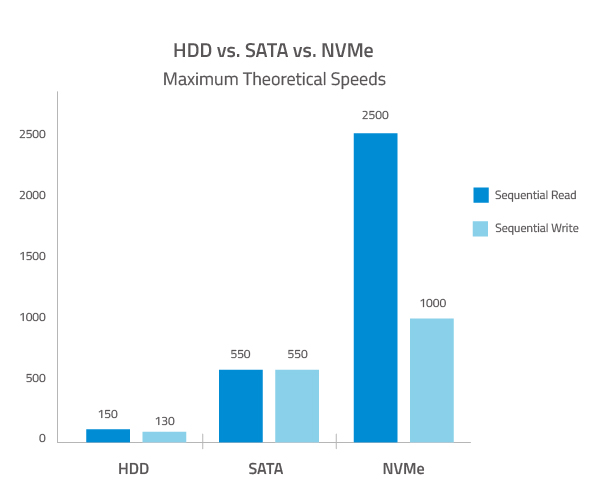
If you check the specs:
- SATA SSD: around 500 MB/s
- NVMe SSD: can exceed 3,000 MB/s
That’s a massive gap.
But here’s the catch:
👉 not everything you do on your PC actually uses that extra speed.
In everyday use: the difference is smaller than you think
If you use your computer for:
- browsing the web
- studying
- office work
- watching videos
Your system will already feel fast with any SSD.
The difference between SATA and NVMe here is more like:
- opening an app in 3 seconds
- opening it in 2 seconds
Is it faster? Yes.
Is it life-changing? Not really.
Gaming: not what most people expect
A very common myth is that NVMe increases FPS.
👉 It doesn’t.
What it can improve:
- loading times
- asset streaming
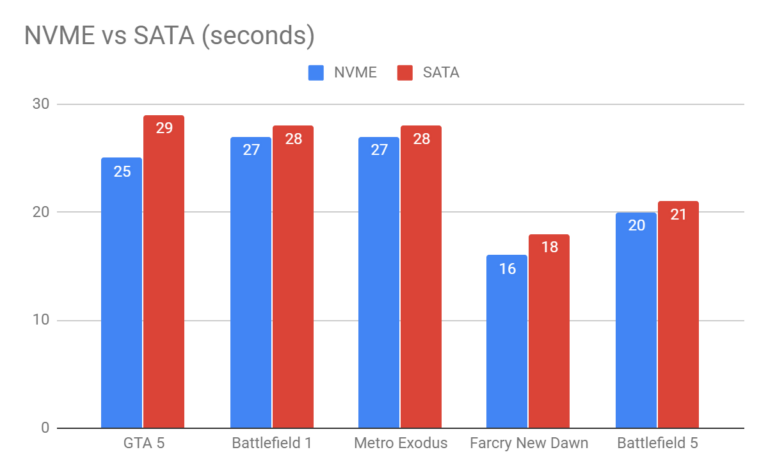
But even then, the difference is usually small.
So this is not where NVMe shines the most.
Where NVMe actually makes a real difference
Now we’re talking.
NVMe truly shines in scenarios like:
- video editing
- large file handling
- rendering
- heavy data transfers
Here, the performance jump is very noticeable.
Moving tens of gigabytes or opening large projects becomes significantly faster.
(Image of a video editing timeline with heavy media files)
👉 In this case, NVMe is not a luxury — it’s a productivity tool.
The most common upgrade mistake
A lot of people think an NVMe SSD will “transform” any PC.
But they forget something important:
👉 Performance depends on the whole system.
Sometimes the real bottleneck is:
- low RAM
- an older CPU
- poor system optimization
So you install an NVMe… and the improvement feels underwhelming.

So… is it worth it?
Straight answer:
👉 Yes — but not for everyone.
You should consider NVMe if you:
- work with large files
- want maximum performance
- already have a balanced system
But if you:
- are upgrading from an HDD
- use your PC for everyday tasks
- want better cost-effectiveness
👉 A SATA SSD will already feel like a huge upgrade.
Conclusion
NVMe SSDs are not just marketing — they are genuinely much faster.
But the real-world difference depends on how you use your PC.
For everyday tasks, the gain is subtle.
For heavy workloads, it’s a major leap.
In the end, the real question isn’t:
“What’s faster?”
It’s:
👉 “Where is the actual bottleneck in my system?”