

What is an ultrawide monitor, anyway?
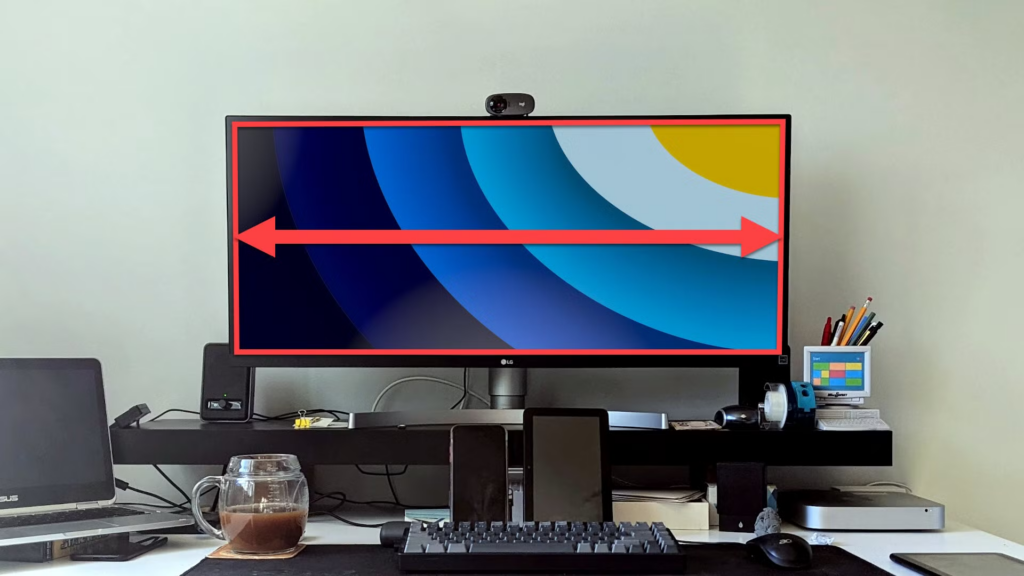
An ultrawide monitor is basically a wider screen than the standard one. While regular monitors use a 16:9 aspect ratio, ultrawides usually come in 21:9 or even 32:9.
In practice, it’s like having two monitors side by side — but without the gap in the middle.
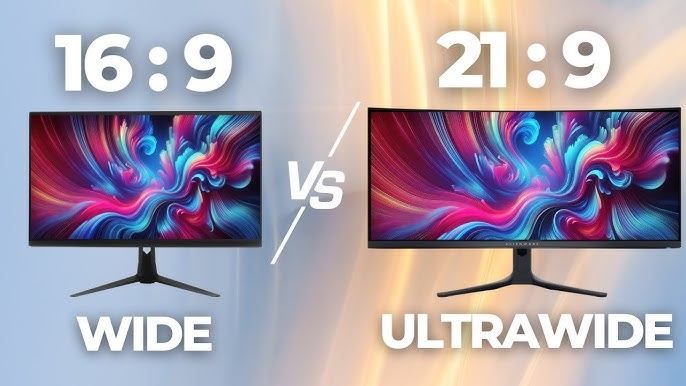

Alienware 34 Curved Gaming Monitor
See current offer on Amazon
Why do so many people love it?
1. Massive workspace
This is where ultrawide really shines.
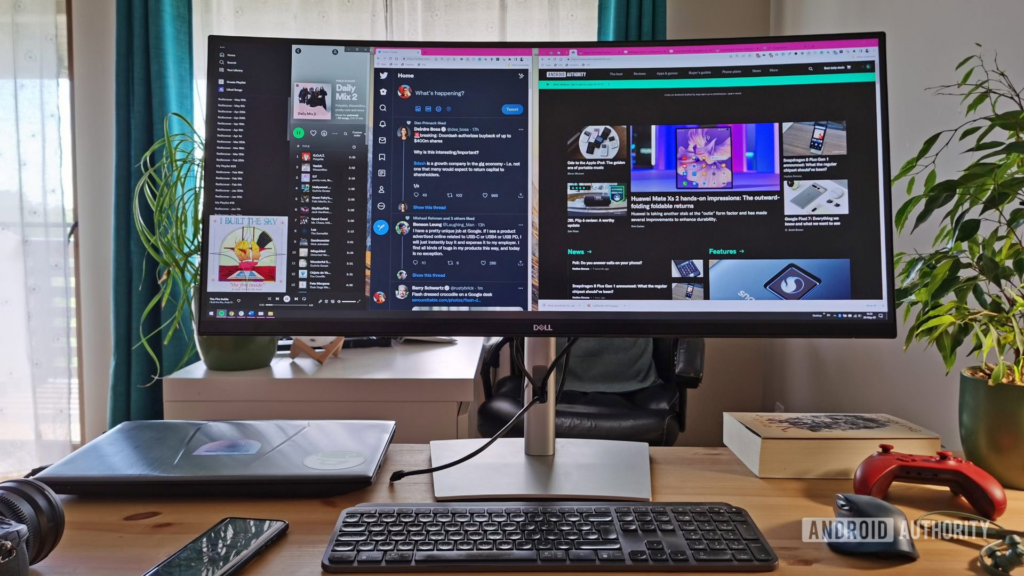
You can open multiple windows side by side without constantly switching between them.
Practical example:
- Browser on one side
- Spreadsheet in the middle
- Video or reference on the other side
Everything visible at once.
For people who work with:
- video editing
- programming
- design
- heavy studying
This can genuinely boost productivity.
2. More immersive gaming
Here comes the “wow” factor.
In supported games, your field of view increases. You see more of the world, more detail… it feels more immersive.
Especially in:
- racing games
- FPS
- open-world games
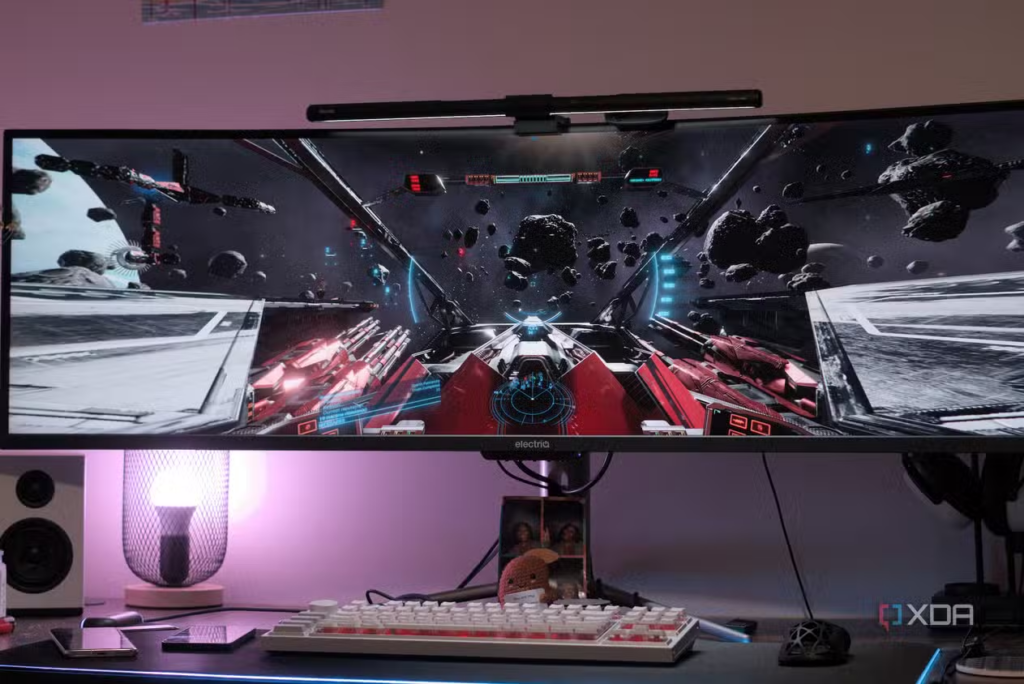
But keep in mind: not every game supports ultrawide properly. Some may show black bars or stretched images.
3. Replacing dual monitors
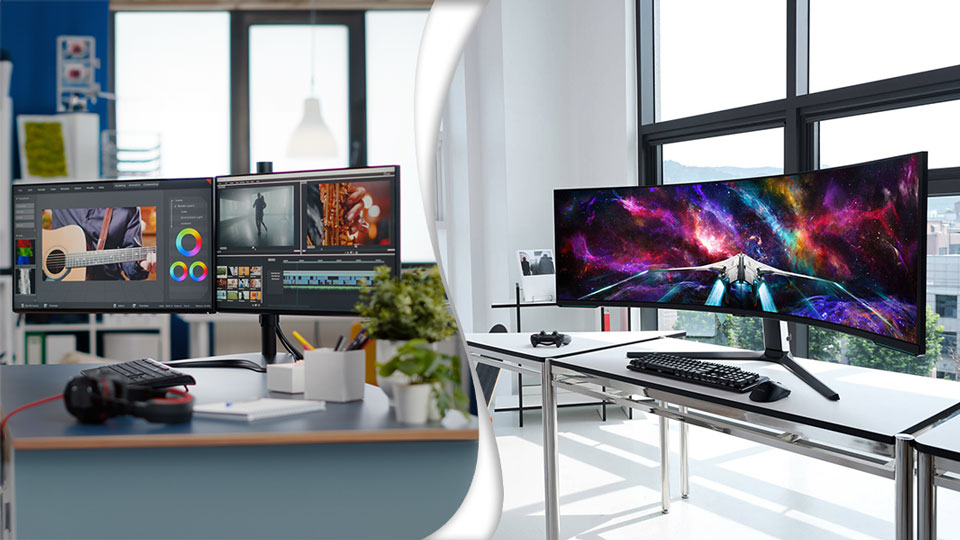
Many people use two monitors for multitasking. Ultrawide can replace that with a single screen.
Advantages:
- fewer cables
- less clutter
- cleaner look
Downside:
- you lose the physical separation between screens
Now the other side of the story
Not everything is perfect in this “cinematic screen” world.
1. Not everyone needs it
If you mainly use your PC for:
- social media
- YouTube
- basic tasks
An ultrawide might be… overkill.
It’s like using a truck just to go to the grocery store.
2. It demands more from your PC
Especially for gaming.
The wider the resolution, the more your GPU has to work.
Example:
- Full HD: 1920×1080
- Ultrawide: 2560×1080 or 3440×1440
More pixels = more workload.
Result:
- higher GPU usage
- possible FPS drops
3. It takes up space
Sounds obvious, but many people forget.
An ultrawide:
- is wide
- needs a bigger desk
- may require better viewing distance
4. Not all content uses the full screen
Movies, videos, and even some websites are still made for 16:9.
What happens:
- black bars on the sides
- centered content
So you won’t always use 100% of the screen.
So… is it just aesthetic?
Here’s the straight answer:
👉 No, it’s not just aesthetic. But it’s not for everyone either.
Ultrawide combines:
- real functionality (productivity and immersion)
- strong visual appeal (clean and impressive setup)
It’s not a “must-have upgrade.” It’s a lifestyle upgrade.
Alienware 34 Curved Gaming Monitor
See current offer on Amazon
When it’s REALLY worth it
- You work with multiple windows
- You want to replace dual monitors
- You play compatible games and want immersion
- You like clean, minimalist setups
When it might not be worth it
- Basic everyday use
- Limited desk space
- Weak hardware for gaming
- You’re already satisfied with a regular monitor
Conclusion
Ultrawide monitors are not just a fancy luxury… but they’re also not essential.
For the right person, it becomes “how did I live without this?”
For the wrong one, it’s just a big screen taking up half the desk.
If you need space and workflow efficiency, it shines.
If not… it might just be overkill.
So here’s the final question: do you need more space… or just want a setup that looks impressive? 😄