

If you’ve ever looked at a flashy RGB setup glowing like a tuned sports car and thought, “Do I actually need a liquid cooler for my PC to perform better?”, you’re definitely not alone.
Liquid cooling sounds like a next-level upgrade. But when we’re talking about mid-range CPUs, the answer isn’t that straightforward.
Let’s break it down in a simple way.
What is a liquid cooler, really?
First things first: no, your PC won’t turn into an aquarium.
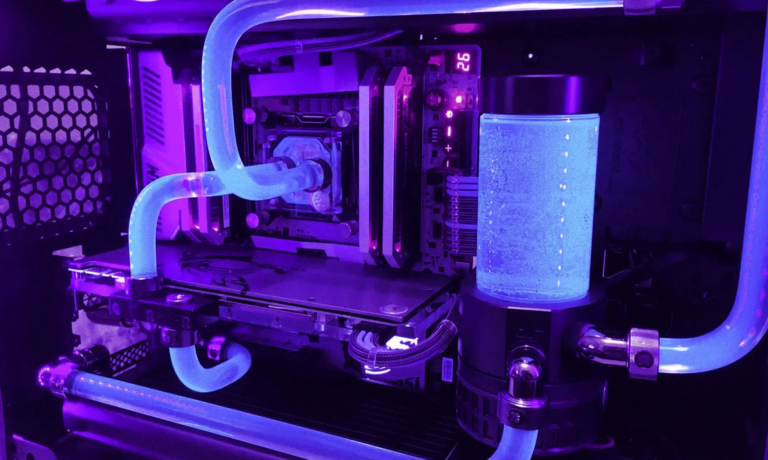
A liquid cooler is a closed system where coolant flows through a block on top of the CPU, carrying heat to a radiator where fans dissipate it.
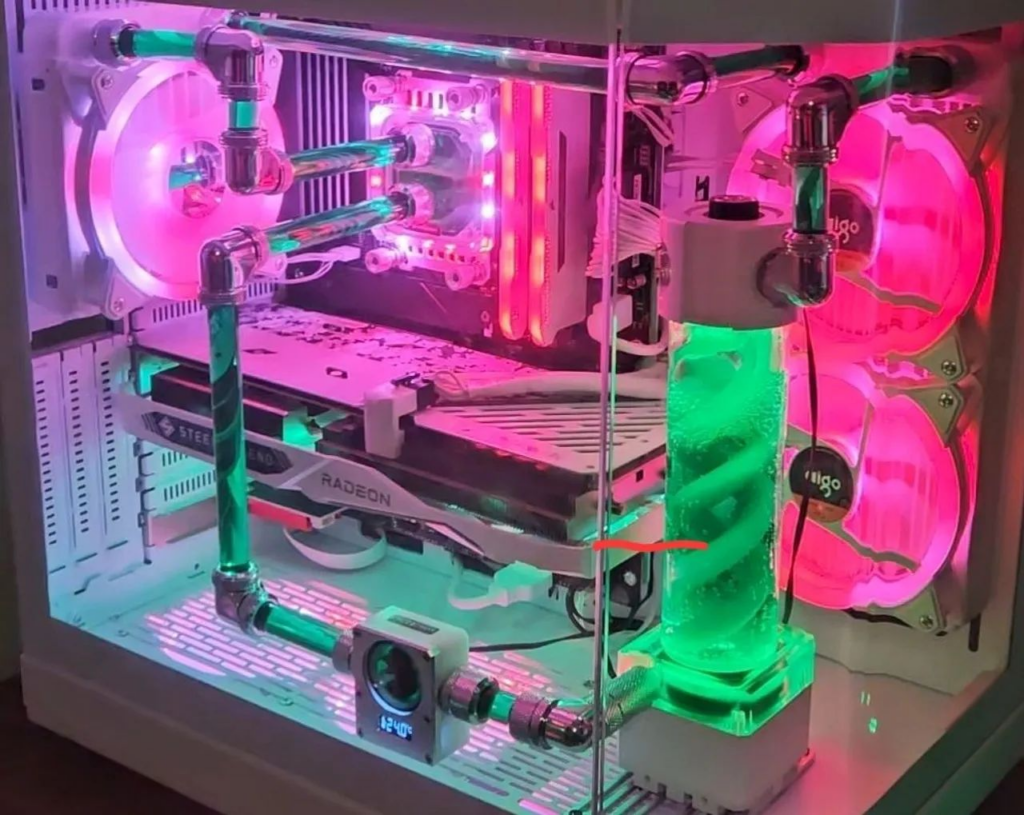
In simple terms, it replaces the traditional air cooler.
What counts as a mid-range CPU?
We’re talking about CPUs that sit comfortably in the middle:
- Great for Full HD gaming
- Solid for multitasking and light editing
- Balanced performance and price
They’re powerful, but not extreme heat generators like high-end chips.

NZXT Kraken Core 240 RGB – AIO CPU Liquid Cooler
COOL AND QUIET — A powerful 3,100 RPM pump keeps your CPU cool during heavy gaming and multitasking, while minimizing noise.
$89.99
Liquid cooler vs air cooler: what’s the real difference?
Let’s keep it real.
Air cooler:
- Simple
- Affordable
- Easy to install
- More than enough for most users
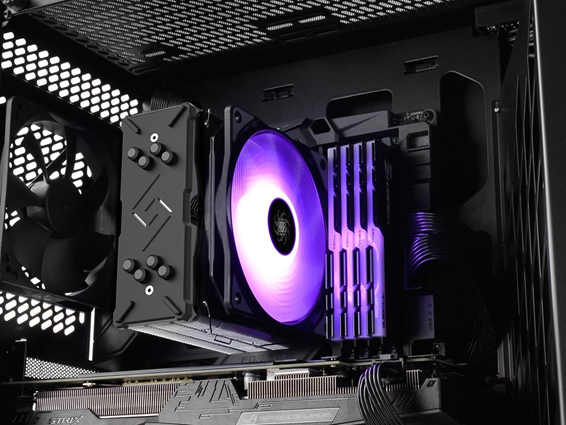
Liquid cooler:
- Cleaner, more modern look
- Can be quieter in some cases
- Better for high heat or overclocking
Now the real question:
👉 Do you actually need it for a mid-range CPU?
When a liquid cooler makes sense
There are situations where it’s more than just looks.
1. You want lower temperatures with extra headroom
Even if your CPU doesn’t run hot, liquid cooling can keep things cooler, especially in warmer environments.
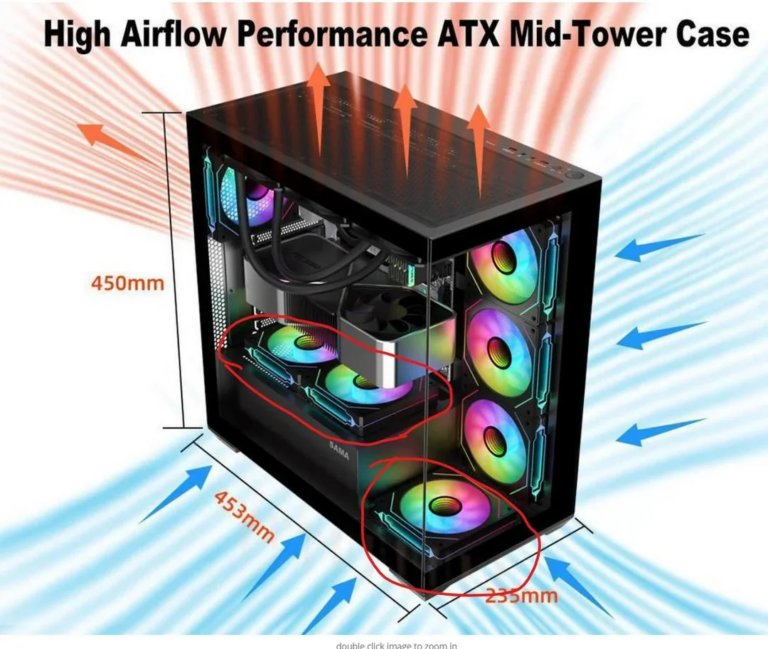
2. Your case has poor airflow
If heat gets trapped inside your case, a liquid cooler can help move it out more efficiently.
3. You’re planning future upgrades
Thinking about upgrading to a more powerful CPU later? This can save you from buying another cooler.
4. You care about aesthetics
Let’s be honest, liquid coolers look clean and premium.
When it’s NOT worth it
This is where many people overspend.
1. Basic or moderate use
If you use your PC for:
- browsing
- studying
- casual gaming
A good air cooler is more than enough.
2. No overclocking
If you’re not pushing your CPU beyond stock settings, the benefits are minimal.
3. Tight budget
Choosing between:
- a liquid cooler
or - more RAM / better GPU
👉 performance usually improves more with the second option.
A simple way to think about it
A mid-range CPU is like a well-tuned daily car.
Installing a liquid cooler is like adding a racing cooling system.
It works. It’s cool. But you probably don’t need it.
Does it improve performance?
Important point here:
👉 A liquid cooler does not directly increase performance.
It helps prevent thermal throttling.
But with mid-range CPUs, that rarely happens with a decent air cooler.
So:
- Normal use: little to no difference
- Heavy sustained loads: some benefit
What about noise?
It depends.
- Some liquid coolers are very quiet
- Others add pump noise + fans
Good air coolers can also be very quiet nowadays.
So there’s no absolute winner here.
Final verdict: worth it or not?
The honest answer:
👉 It depends on your goals.
Worth it if:
- You want a cleaner look
- You live in a hot environment
- You plan to upgrade later
- You prefer lower temps overall
Not really worth it if:
- Your usage is basic
- You’re on a budget
- You just want better performance
For most people with mid-range CPUs, a solid air cooler already does the job perfectly.
Liquid cooling is more of a “functional luxury” than a necessity.